
Quick Scan
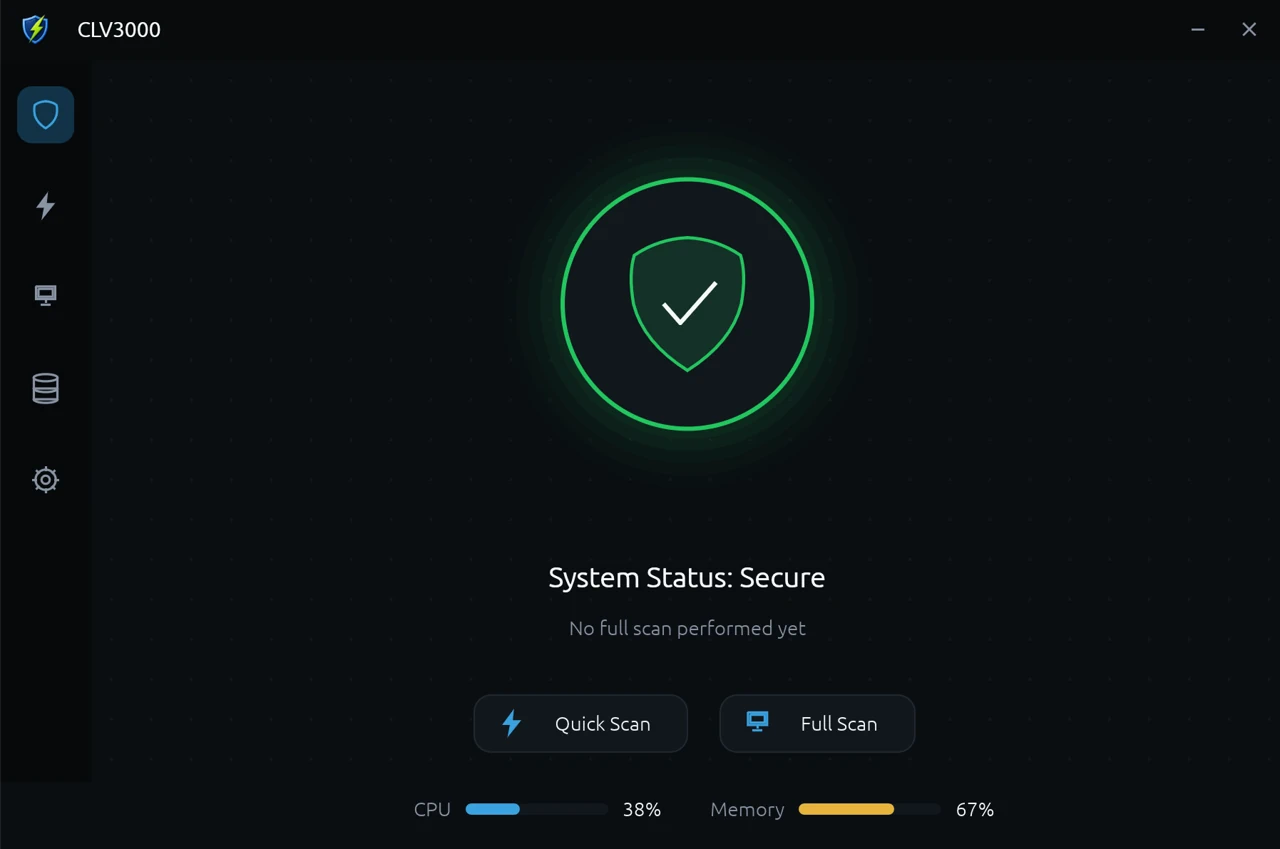
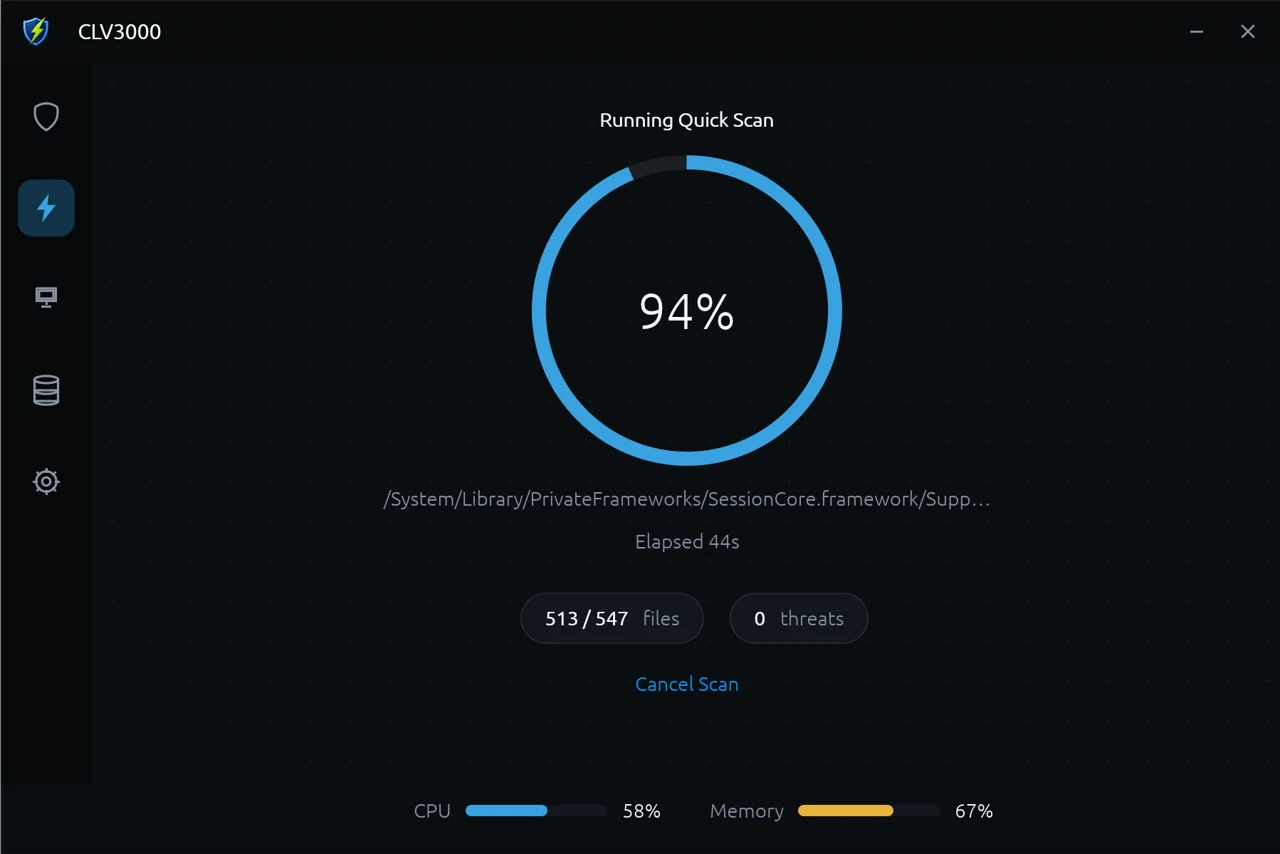
Scans every running process and loaded module (incl. DLLs) in seconds.
CLV3000 is a portable virus scanner for Windows, built in Rust on the ClamAV engine. Keep it on a USB drive; when a machine looks suspicious, plug in and scan — no install, no resident service, no telemetry.
Features
Every scan entry point, a full threat-handling loop, and desktop integrations — all around one goal: a fast answer at the scene of an infection.
Scans every running process and loaded module (incl. DLLs) in seconds.
Scans every executable on all fixed drives; a streaming file list keeps memory flat.
Quarantine keeps detections recoverable; ignore skips them next scan; force-quarantine unlocks busy files on Windows.
Check engine status and signature version, and trigger freshclam updates manually.
BLAKE3 hash cache reuses past results for unchanged files (30-day TTL, 200k entries).
Tray, autostart, Explorer context menu, single-instance forwarding, live CPU/memory meter.
Scan modes
From what is running now, to everything on disk, to a single target — the granularity covers every emergency workflow.
Running processes and their loaded modules, deduplicated and sent to the engine. The default choice for everyday emergencies.
Every executable on all fixed drives, scanned one by one. A streaming file list keeps memory flat even on huge filesystems.
Right-click any file or folder in Explorer, or pass --scan-path on the CLI. Supports both cold start and forwarding to a running instance, suited to scripted WinPE rescue.
Use cases
CLV3000 is an on-demand scanner, not an always-on guardian. It works when you ask it to, and stays out of the way otherwise.
Keep CLV3000 and a portable ClamAV on a USB drive. When a machine behaves suspiciously, plug in and scan immediately — no install, no resident process.
When Windows will not boot, run CLV3000 from a WinPE / recovery environment to scan offline system drives. The small binary and --scan-path flag suit scripted batch rescues.
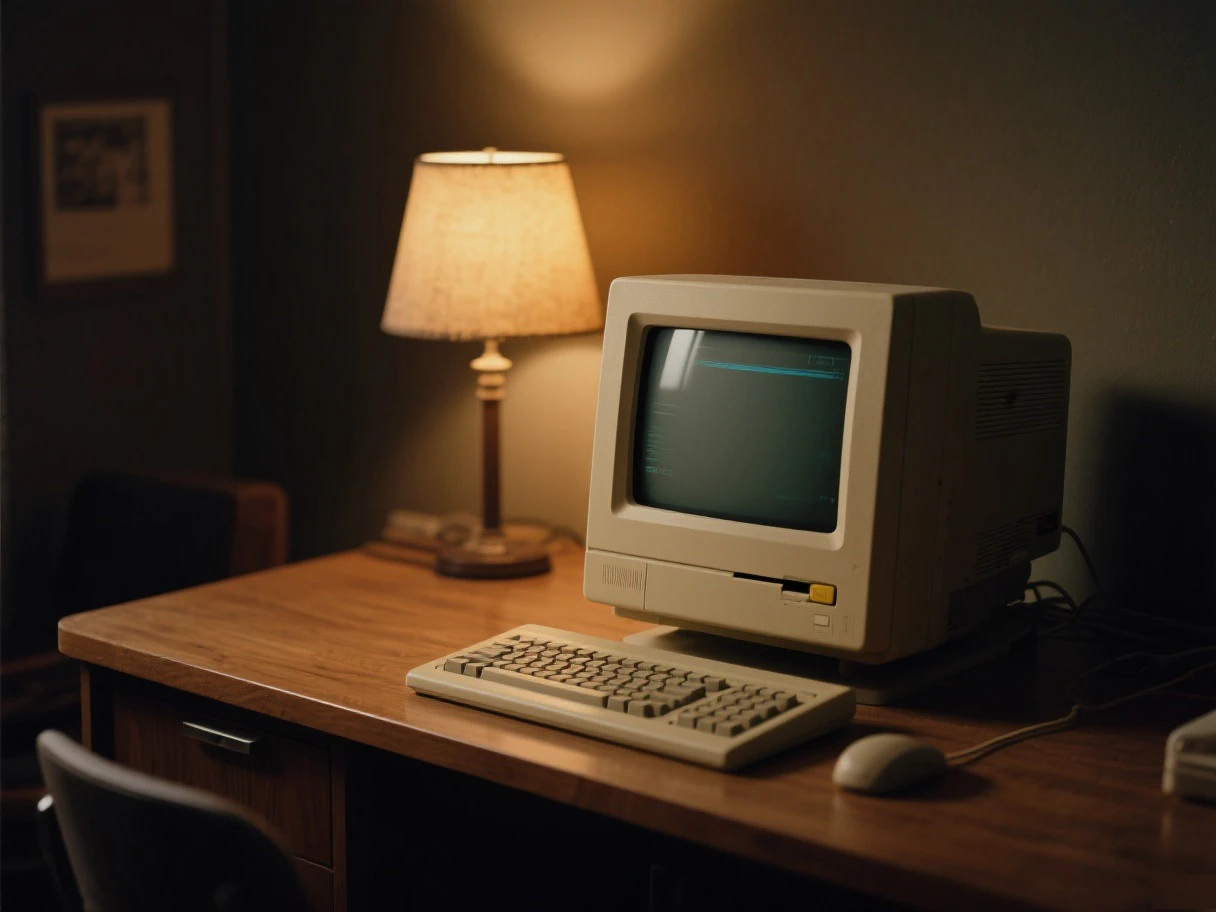
Built for older machines: size-optimized release builds, an idle event loop that actually sleeps, and textures and working set released when hidden to tray.
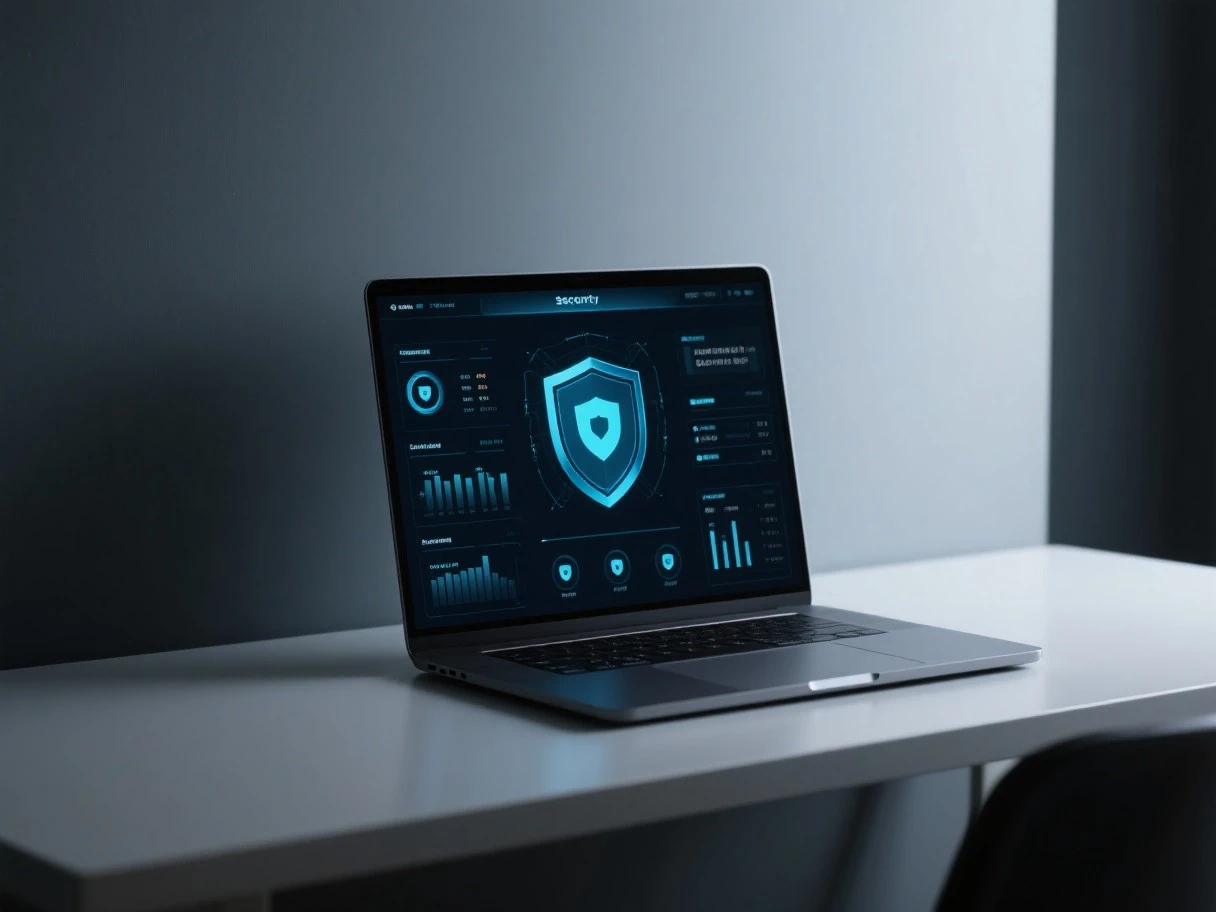
Run silently with --tray-only and autostart. Reopen with a double-click whenever you want a quick check.
Get started
The recommended path is the prebuilt bundle: GUI, engine and signature database, ready to run. Or assemble it yourself by placing a portable ClamAV next to the executable.
Download CLV3000-x64-0.7.7-bundled.zip from GitHub Releases and unzip — executable, engine and database included.
$ unzip CLV3000-x64-0.7.7-bundled.zip
For a DIY GUI-only setup, put clamscan.exe, freshclam.exe, the DLLs and database/ under a clamav/ folder next to the executable.
$ freshclam.exe --datadir=clamav\database
Launch clv3000.exe, or use --tray-only for a silent start. If the engine is missing, the app shows "scan engine not found" instead of crashing.
$ clv3000.exe --tray-only
A Rust toolchain is enough for a release build; Windows binaries can also be cross-compiled from macOS or Linux.
$ cargo build --release
CLV3000 is named after KV3000, the classic Chinese antivirus — reimagined as a scanner you can carry on a USB stick.
About the project
CLV3000 is named after KV3000, the classic Chinese antivirus that many of us grew up with. We reimagined it as an on-demand scanner you can carry on a modern USB stick.
The project is created and maintained by 姜萌 (Sopaco). The complete source is open-sourced at github.com/sopaco — feel free to star it, open an issue, or send a pull request.